

STEP 1
STEP 2
STEP 3
STEP 4
STEP 5
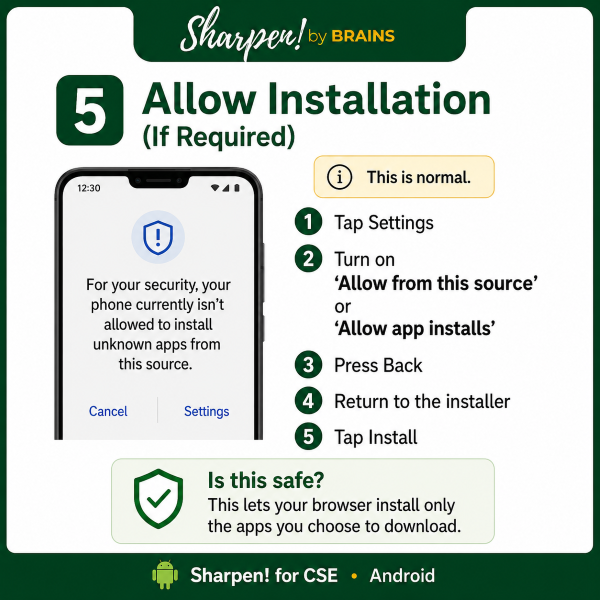
STEP 6
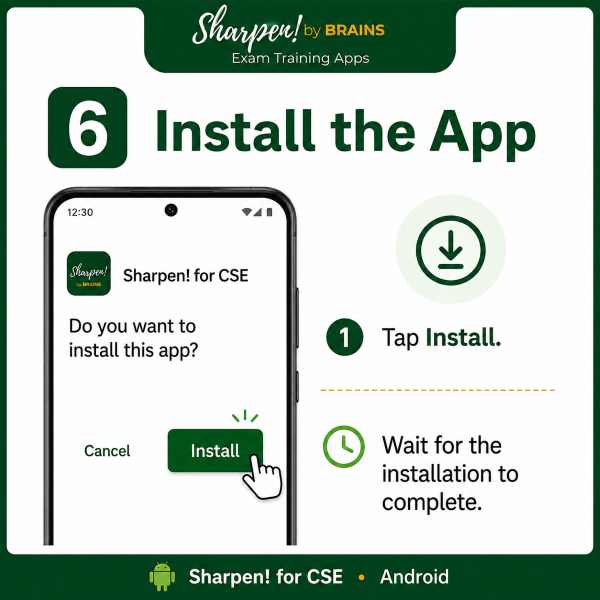
STEP 7
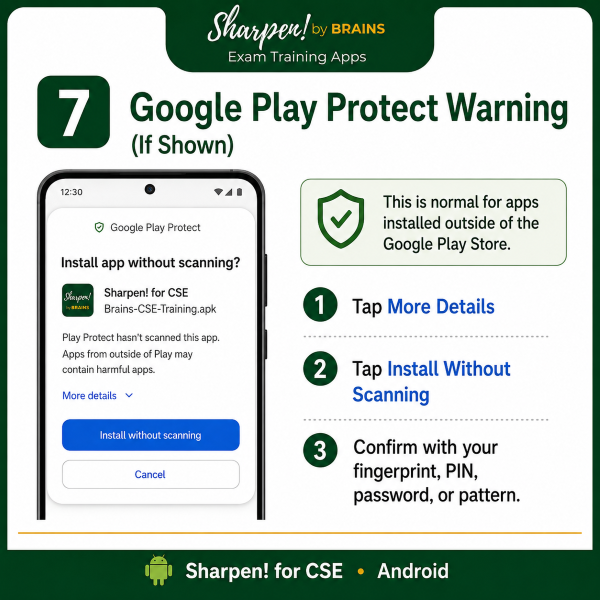
STEP 8
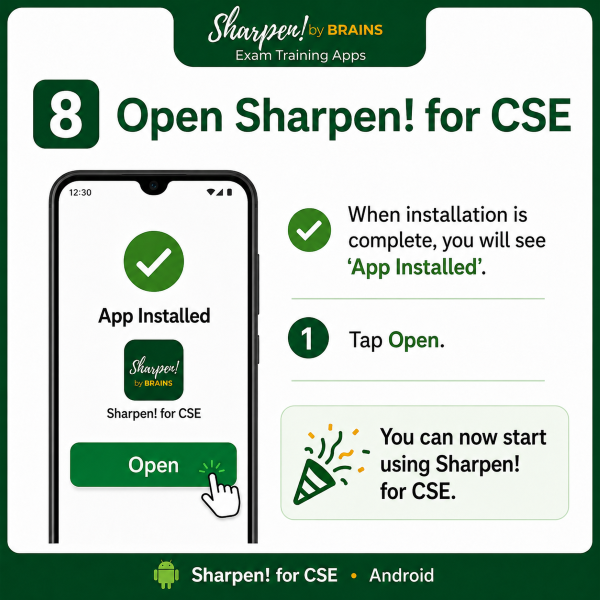
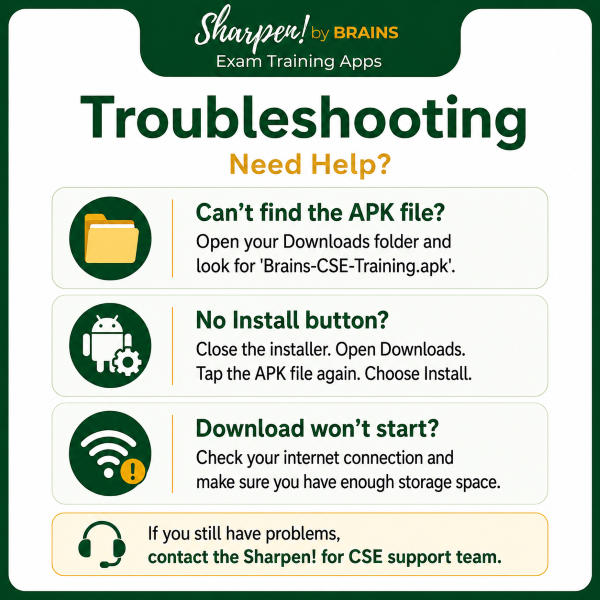
PROBLEMS?
INSTALL SHARPEN!
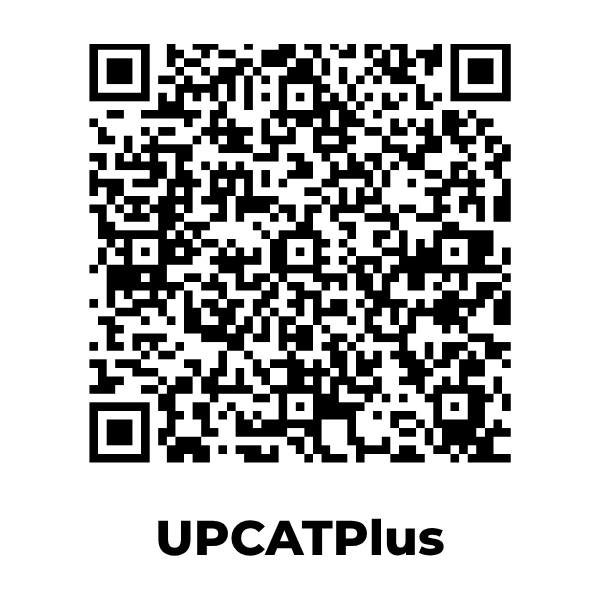
These apps are available only on Android and are not yet available in PlayStores. Use the QR Codes or DOWNLOAD buttons with the stepwise instructions below.





INSTALL SHARPEN!
These apps are available only on Android and are not yet available in PlayStores. Use the QR Codes or DOWNLOAD buttons with the stepwise instructions below.
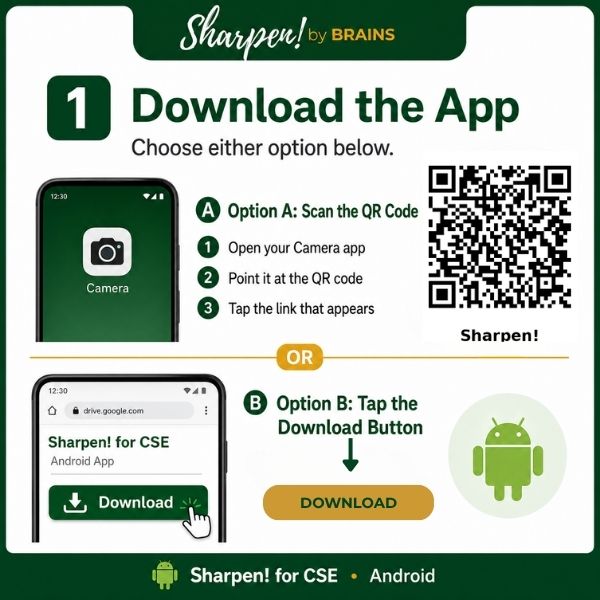
1. Scan the QR Code or, if you're installing the app on this phone, click the download button of the available course. You will be forwarded to the download link.
2. Different systems respond differently:
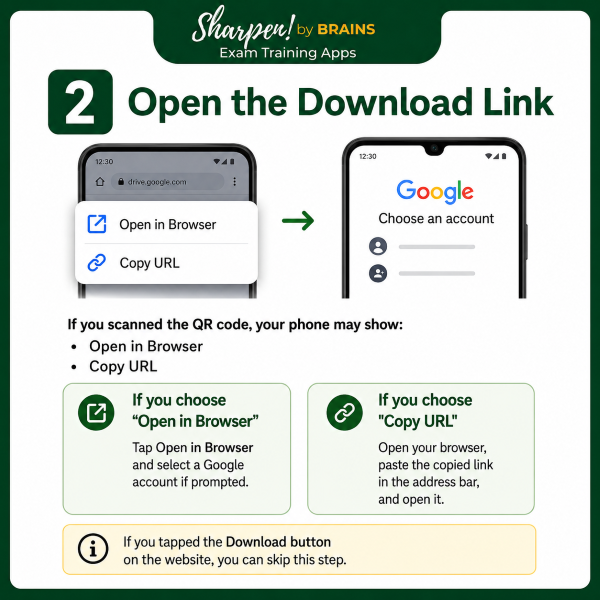
A. Google asks you to choose your google account from a list on your phone. Once you choose your account, Google will scan the app, which will be declared safe for download. You then download and install the app.
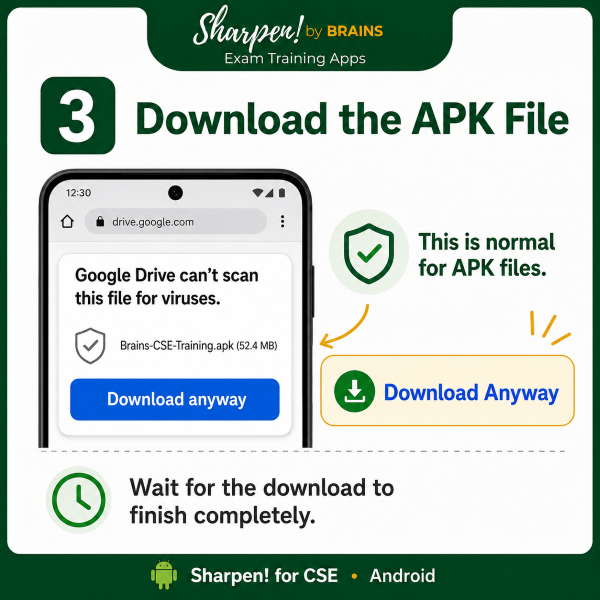
B. Google drive says it can't scan the app and warns you that it may be harmful to your computer. The app is safe but the warning stays. Click "Download anyway." or "Install anyway."
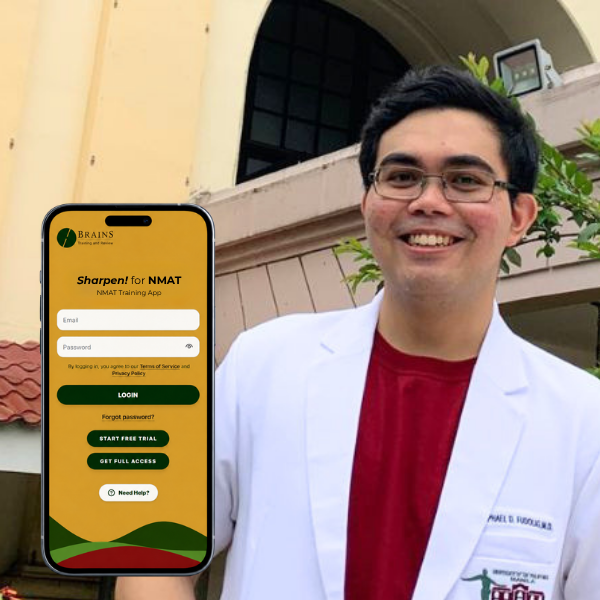
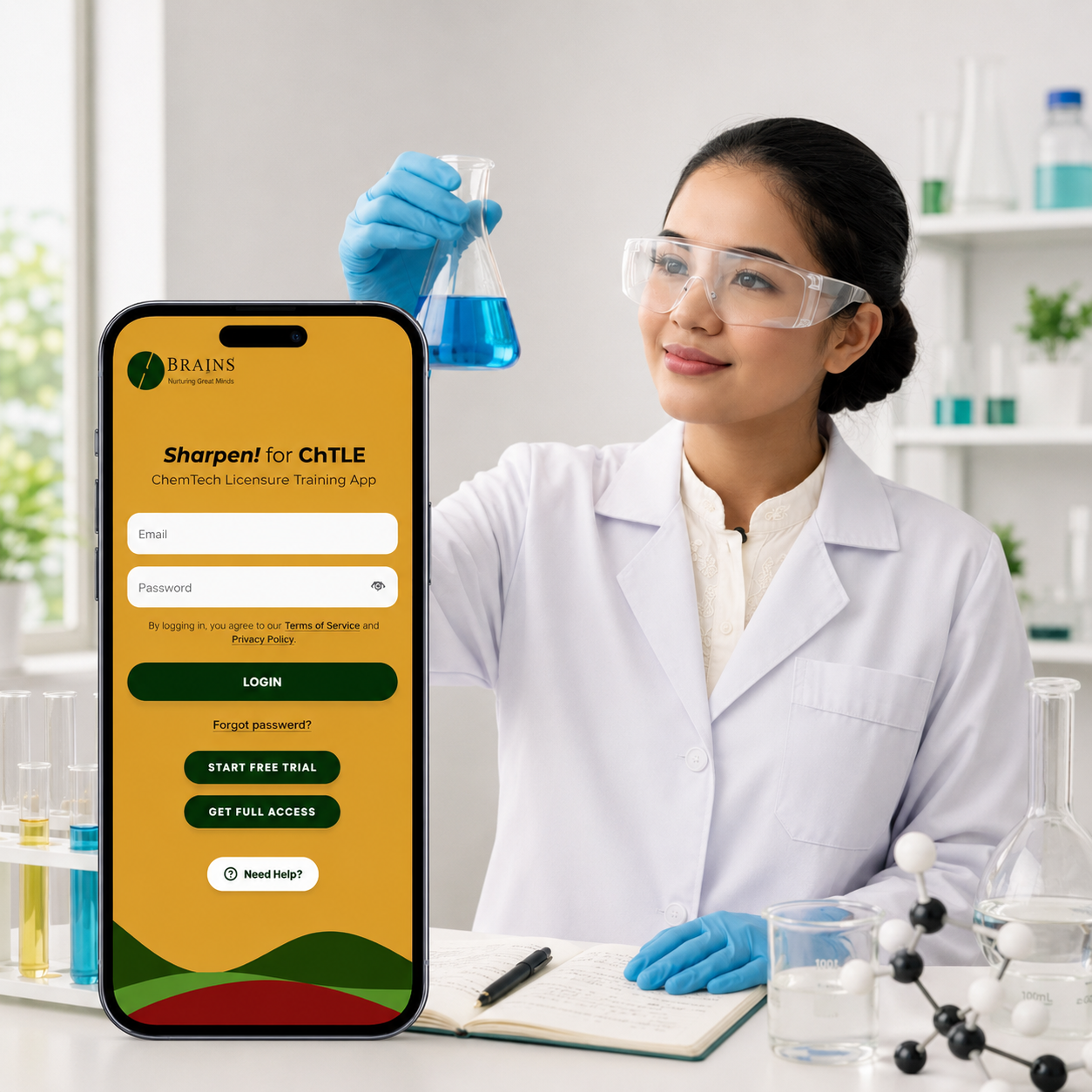
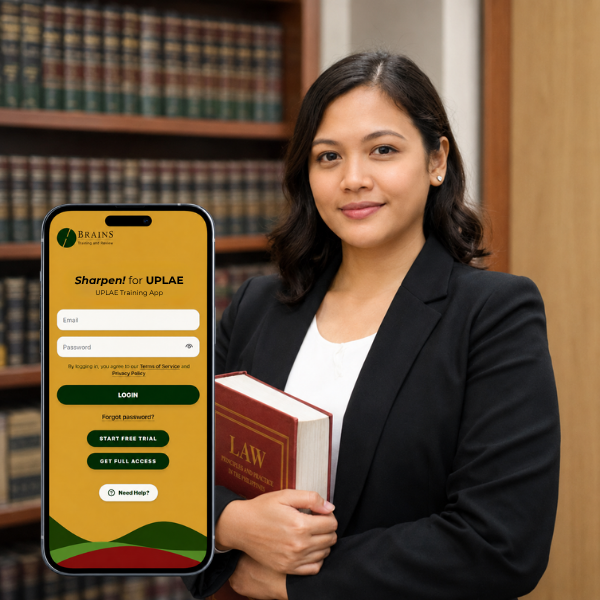
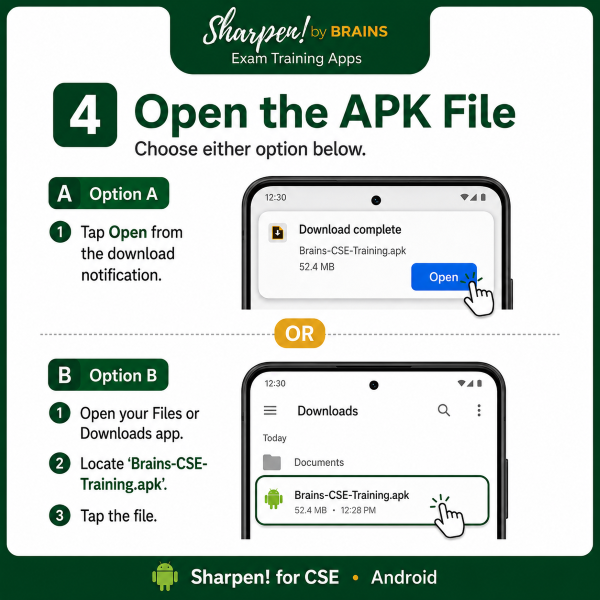
Once the app is installed, you can get on a free trial so you know how it works. For full access, click the "Full Access" button on the app for payment instructions.
2. Different systems respond differently:
A. Google asks you to choose your google account from a list on your phone. Once you choose your account, Google will scan the app, which will be declared safe for download. You then download and install the app.
B. Google drive says it can't scan the app and warns you that it may be harmful to your computer. The app is safe but the warning stays. Click "Download anyway." or "Install anyway."
Once the app is installed, you can get on a free trial so you know how it works. For full access, click the "Full Access" button on the app for payment instructions.